Today
Knowledge lives with your people
Your team knows the exceptions, but agreements are spread across documents, conversations and colleagues' memories.
APPSS · server of systems
APPSS is the application server for your own business software. People and agents work from the same customer details, agreements and rules, so colleagues do not have to enter the same record again. Connect what works and replace the systems that get in the way of your process.
Put your knowledge to work
They know when a request is right, which agreement applies and who can decide. APPSS helps turn that practical knowledge into the application they want to work with.
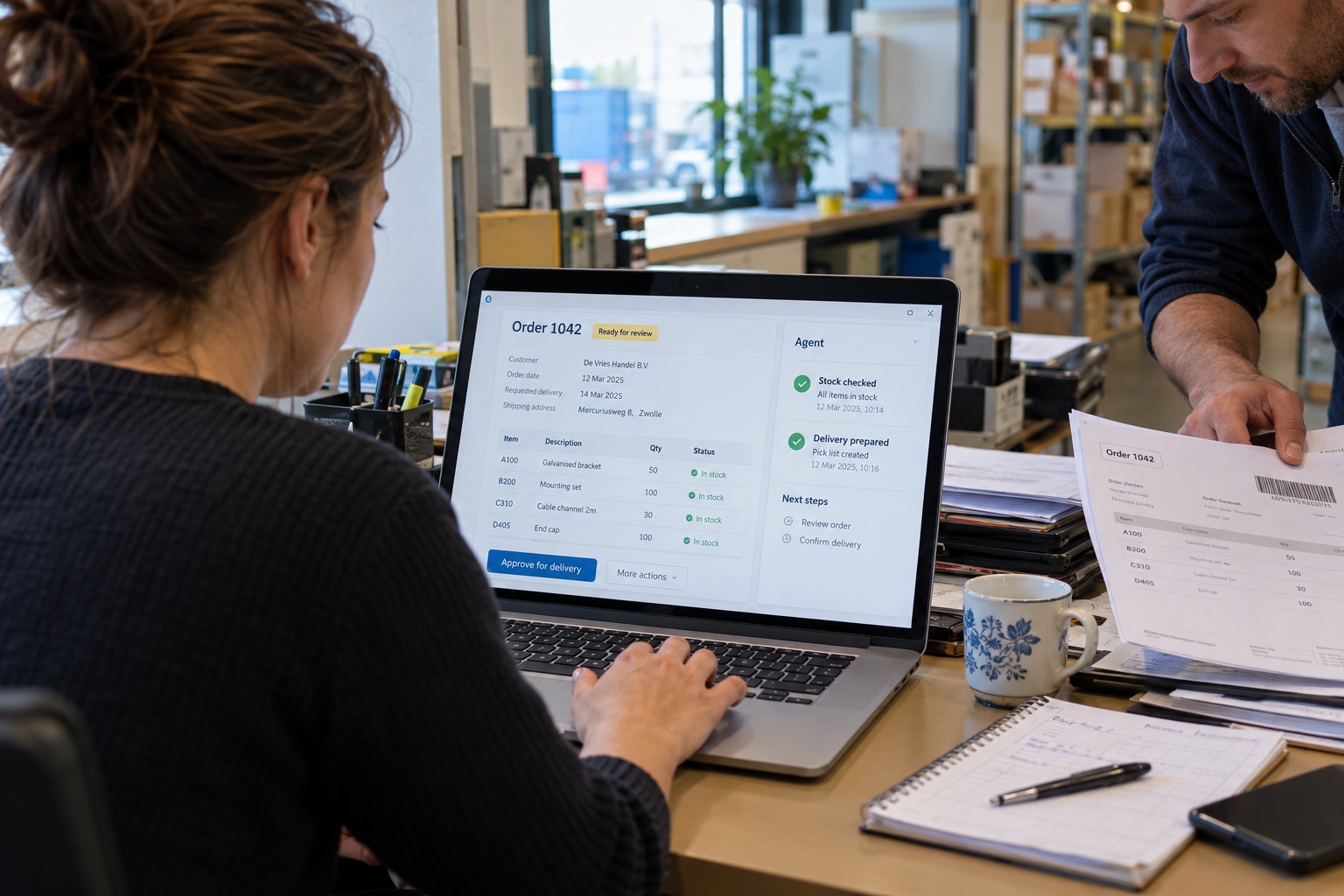
Today
Your team knows the exceptions, but agreements are spread across documents, conversations and colleagues' memories.
Possible with APPSS
AI helps your people describe facts, rules and exceptions. APPSS runs the approved model so the application supports their own way of working.
Your knowledge becomes useful across the business.
For your people
A colleague can explain what is needed through a real situation. Your team reviews the agreements before they become application behaviour.
For the CEO
Make your distinctive way of working useful in a customer portal, business application or service, rather than leaving it in separate instructions.
Finance, operations, CRM, ERP, customer service and data engineering each know their own work. Your people bring examples, terms and exceptions. AI helps make that knowledge explicit; your team reviews what is correct. The existing APPSS engine executes the approved business model. Your department can create its own application, offer an internal service to colleagues or provide its expertise as an external service. Your frontend and authorised agents use the same agreed business actions.
The form follows the work
APPSS runs the business model independently of the chosen frontend. Have the complete application delivered or build your own experience on the same engine, with agreed APIs and authorised agent actions.
For businesses
From your business model to a complete, agent-operable application for customers and colleagues, or a continuously running business service.
How APPSS worksFor design teams and platform builders
Your product, brand and interface, with the existing engine behind it. Web, PWA, native Apple and authorised agents use the same agreed business logic and APIs.
Explore your frontend choicesIdentity, onboarding and payments
Configure your complete onboarding and payment journey in text. Who is registering? Which identity is needed? When may a customer sign, pay or gain access? Describe the steps, conditions and exceptions. APPSS runs the defined business model on your own server.
No code for your flow. Your text defines the rules, permissions and next steps.
Design your own onboardingExample of your flow in text
“Activate the customer account once identity is confirmed, the agreement is signed and payment has succeeded. Have an employee review exceptions first.”
Let customers, employees and partners sign in with your chosen identity provider.
Request the identity or business information your process actually needs.
Connect consent, signatures and payment to your own conditions.
Let APPSS grant access and run the next steps when your rules allow it.
Configure every step and exception in text. The companion connects your chosen services to the same APPSS rules. Your team reviews and tests the flow before use.

Strategic collaboration
Banking services belong in your business process. Connect payment requests and payment status to your customer journey, billing and business rules through the companion.
Identity and payments follow your own business rules. The Web Chat SDK offers the same flow as a conversation, in your own brand.
This overview names specific API products. Signicat and itsme provide authentication; Veriff, IDnow AutoIdent and Sumsub provide identity checks. We connect the chosen API service to your APPSS flow. The suppliers’ wider offerings are outside this selection.
An API may use a secure provider page, app or SDK to perform the check. The customer confirms their identity there; APPSS then processes the verified outcome. Available countries, documents and attributes vary by product and contract.
Your onboarding follows your business. Describe the customer journey, exceptions and approvals in text. APPSS connects the identity and payment APIs you need to your own records and business rules. You retain control of the complete process, including when you change providers.
Determine which data stays in your own record and what you share for verification or a transaction. External providers process the information their service needs; hosting, access and retention are agreed in your design.
The companion connects the configured APPSS flow to the chosen API product. REST, OpenID Connect, OAuth 2.0 and webhooks may play a role, depending on the service. The provider checks the identity or payment; APPSS checks which business action is allowed next. A chat message or a return to your website alone is not provider confirmation.
The logos illustrate provider choice through protocols and APIs. For your application, we configure and test the appropriate protocol version, data fields, permissions, error handling and callbacks. Provider contracts, acceptance, any required certification and external usage charges still apply. This list does not state that every provider is already connected in production or endorses APPSS.
Sources: official API documentation for Signicat, itsme, Veriff, IDnow AutoIdent and Sumsub, and documentation from the listed payment providers. Reviewed on 23 October 2026. This is a selection of API services. Rabobank is separately identified as a strategic collaboration. Trademarks belong to their respective owners.
Your business owns all the rules of engagement. APPSS connects your data, applications and authorised agents on your own server.
How your organisation wants to work.
Your sovereign server
Your rules. Your control.
The form that fits your work.
Your business decides who may do what. The same business rules connect your data, applications and agents.
Collaboration across the organisation
Finance uses the same customer and order facts as Sales; Operations sees the agreed next step. People and agents work from the same recorded facts, definitions and rules. Messages connect their questions and decisions to the work they concern.
Shared truth
Agree which source is authoritative for a customer, order, payment or status and what those facts mean. Employees and authorised agents use the same information and agreements rather than separate interpretations.
Business processes
Let agents gather information, prepare work and carry out permitted actions. Configure the handover to the right person or department for your process.
Human control
Your people decide what an agent may do independently and when a decision is needed. Roles, approvals and access follow the agreed business model.
This applies to finance, operations, CRM, ERP, customer service and data engineering services. A source system can stay or be replaced. We define where data is updated and how other applications use it, so a colleague does not have to enter the same record again.
A complete application server. Your own business model.
Build your business application, service or platform on an engine that already exists. Your business knowledge defines the data, rules and actions. Your team reviews the model; APPSS runs its approved behaviour. Your frontend and authorised agents connect through the same agreed APIs.
An existing foundation
Configure records, relationships and work steps on the existing engine. Extend the business model as your work changes, with reviewed and tested updates.
Your way of working
Define conditions, states and permitted actions explicitly. The server checks supported rules and permissions for the selected operation.
Your interfaces
Choose the frontend that fits your people. Customer portals, employee apps and authorised agents use the same server APIs. Your business model stays under your control, separate from interfaces or AI providers.
Your environment
Choose suitable European or customer infrastructure. Align data and AI processing, access, backups, operations and portability with your requirements.
Your own business rules are the starting point. Your way of working does not have to be dictated by a SaaS provider’s standard logic. We assess which existing systems should remain and where your own application is a better fit.
The knowledge is already there
Your department knows how the work should run: which facts are needed, which rules apply and when an expert needs to decide. AI helps translate that expertise into a business model your people review. APPSS makes that model usable as your own department application, an internal service for colleagues or an external service for customers and partners.
Facts
The model connects the customer, request, current agreement and relevant information. Source, meaning and missing facts stay explicit, so the next action does not depend on a hidden assumption.
Rules
Your organisation defines when work is complete, who may approve it and what ‘finished’ means. The engine uses those approved rules for the application and its authorised agents.
Exceptions
Define when a deviation, missing fact or new risk requires a check or human decision. Exceptions guide the work too, not just the ideal path.
Use the knowledge you already have, or define the expertise you want to offer as a service. Start with one task, agree the intended outcome and responsibilities, and decide who may use the information and actions. Then extend the same business model.
Shared meaning, not just connections
A service team may call a request ‘finished’ while its financial settlement is still open. Both can be right. The application needs to know which decision or next step belongs to each meaning.
The business process
The business model defines what terms mean for the people and systems involved. The intended handover and next step become executable logic, rather than another separate work instruction.
The technology
Keep what works. A package that gets in the way can make room for your own application on APPSS. Your business knowledge, shared data and familiar tasks shape the design; transfer, integrations and operations are tested and agreed.
More generated code is not the goal. A clearer business model that guides everyday operations is.
These authors discuss making business knowledge explicit and establishing shared meaning. Their articles provide background, not evidence of APPSS capabilities or an endorsement of APPSS.
Start with one concrete task, the people involved and the outcome you need. Your project brief prepares the first conversation.